
Samsung Introduces Real-Time Internet Speed Meter for Galaxy Phones
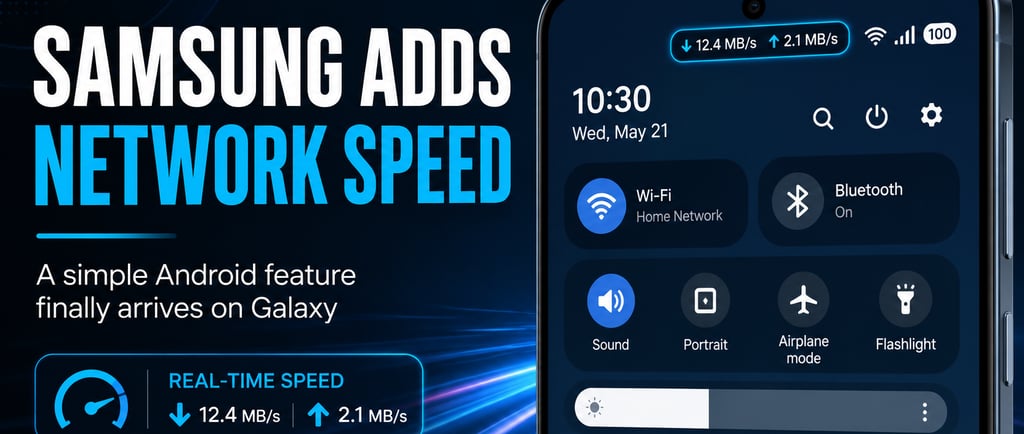
Samsung Finally Adds a Real-Time Internet Speed Meter to Galaxy Phones
Samsung has begun rolling out a simple but highly requested feature to its smartphones: a real-time internet speed meter in the status bar.
The feature arrives with One UI 9, based on Android 17, and allows users to view live download and upload speeds directly at the top of the screen.
In practice, users can instantly monitor whether their connection is performing properly, whether they are using Wi-Fi or mobile data.
This type of feature has been available for years on smartphones from brands such as Xiaomi, OnePlus, and Oppo. As a result, many Galaxy owners have long criticized Samsung for not including it.
The new indicator displays real-time network activity using measurements such as KB/s, MB/s, or GB/s, depending on the amount of data being transferred.
The feature can be particularly useful for quickly determining whether a buffering video is being caused by a slow internet connection or by the application itself.
However, there is one important detail.
The speed meter is not currently available directly through the main system settings.
To enable it, users must install Good Lock, Samsung’s customization platform, and update the QuickStar module.
Inside QuickStar, the option appears under the indicator visibility settings as "Network Speed."
One UI 9 is still in beta testing, and for now the feature is only available on selected models in the Samsung Galaxy S26 lineup in certain markets.
Even so, the addition shows that Samsung is finally addressing one of the longest-standing small complaints from Galaxy users.
It’s not a revolutionary feature.
But it’s exactly the kind of simple quality-of-life improvement that people tend to miss when it isn’t there.